
Athlete's Guide to Starting a YouTube Channel
Athlete's Guide to YouTube
TL;DR
If you’re ready to launch your athletic career on YouTube, there’s no better way to do it than with a credible video production team at your back. There are many athletes that have found success on YouTube.
The platform is a great way to connect with a large audience and share your stories. If you are interested in starting a YouTube channel as an athlete, here are a few tips to get started. Starting a YouTube channel as an athlete can be a great way to share your athletic journey with others, inspire others, and build a following. Here are some tips to get started:
1. Pick a Relevant Name
There are plenty of great YouTube channels to choose from, but before you pick a name, think about your audience. What name would resonate with them? What does your channel represent? Are you promoting a product or service, or simply sharing your opinion? Once you have a name, be sure to set up a logo and branding materials (website, social media profiles, etc.), so that your viewers can easily identify your channel.
2. Find Your Audience
When creating content for your YouTube channel, it is important to think about who you are trying to reach. Your audience is usually defined by the type of content you produce and the demographics that are most interested in that content. However, when thinking about your audience, be sure to also consider the type of viewer your videos are meant for. Another thing to consider when creating content for YouTube is whether you want your videos to be interactive or not. If you want your viewers to participate in your videos, then make sure to include features that allow them to do so. For example, if you have a video about making cookies, include a recipe box at the bottom of the video so viewers can click on the recipes they want to follow along with. Overall, determining who your audience is and what type of content they will be interested in is an important part of producing successful videos on YouTube.
3. Figure Out How to Edit
Editing for YouTube is a bit different from editing for other platforms. The interface is different, the controls are different, and the standard tools aren’t always available. However, with a bit of savvy, you can edit your videos just the way you want them. To start editing, open your video in YouTube and select "Edit." On the "Video" tab, click on the "Format" button and choose "YouTube." Under "General," select which video format your video will be in (3GP, MP4, or HD). Check the box next to "Convert audio to AAC" if you want to change the audio format. Next, make sure your video is in focus by clicking on it and dragging it to the center of the screen. To make changes to your video, click on one of the blue squares that appears across the bottom of your video. You can also use the keyboard shortcuts: Ctrl+A (select all), Ctrl+C (copy), or Ctrl+V (paste). You can also use Wondershare Filmora's built-in editor to make simple edits like cutting a clip or adding music. If you need more help editing your videos, be sure to check out [Wondershare Filmora](#CC0000).
4. Choose What Type of Content You Want to Make
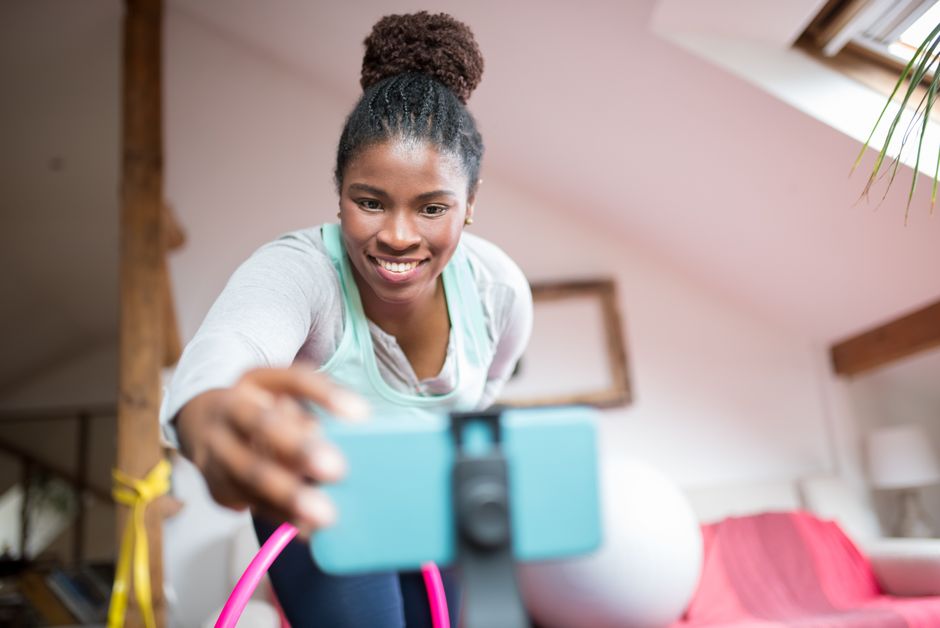
Fans of fitness professionals want to see their favorite stars evolve and grow as they embark on their successful careers. Vlogging can be a great way to keep your fans up to date on your training and progress, as well as offer tips and advice along the way. By sharing your journey online, you can inspire others to set their sights high and reach for the stars. With the abundance of online platforms, vlogging is a great way to keep your fans up to date on your training, development, and results. This can be done in several ways, such as filming daily workouts, posting photos and videos of your diet and exercise routine, or even vlogging during competitions or live events. By keeping your fans updated on your progress, you can cultivate a supportive and encouraging community that will help you achieve your social media goals.
5. Share It on Other Social Media Platforms
If you want to maximize the reach and viewership of your videos on other social media platforms, consider sharing them on YouTube's official channels as well as on other popular platforms like Facebook, Twitter, and Instagram. Each social media platform has its own audience, so make sure to optimize your videos for each one in order to get the most out of your effort. Additionally, consider using hashtags to help people find your content more easily.
Key takeaways
- Athlete's Guide to YouTube
- 1. Pick a Relevant Name
- 2. Find Your Audience
- 3. Figure Out How to Edit
- 4. Choose What Type of Content You Want to Make