
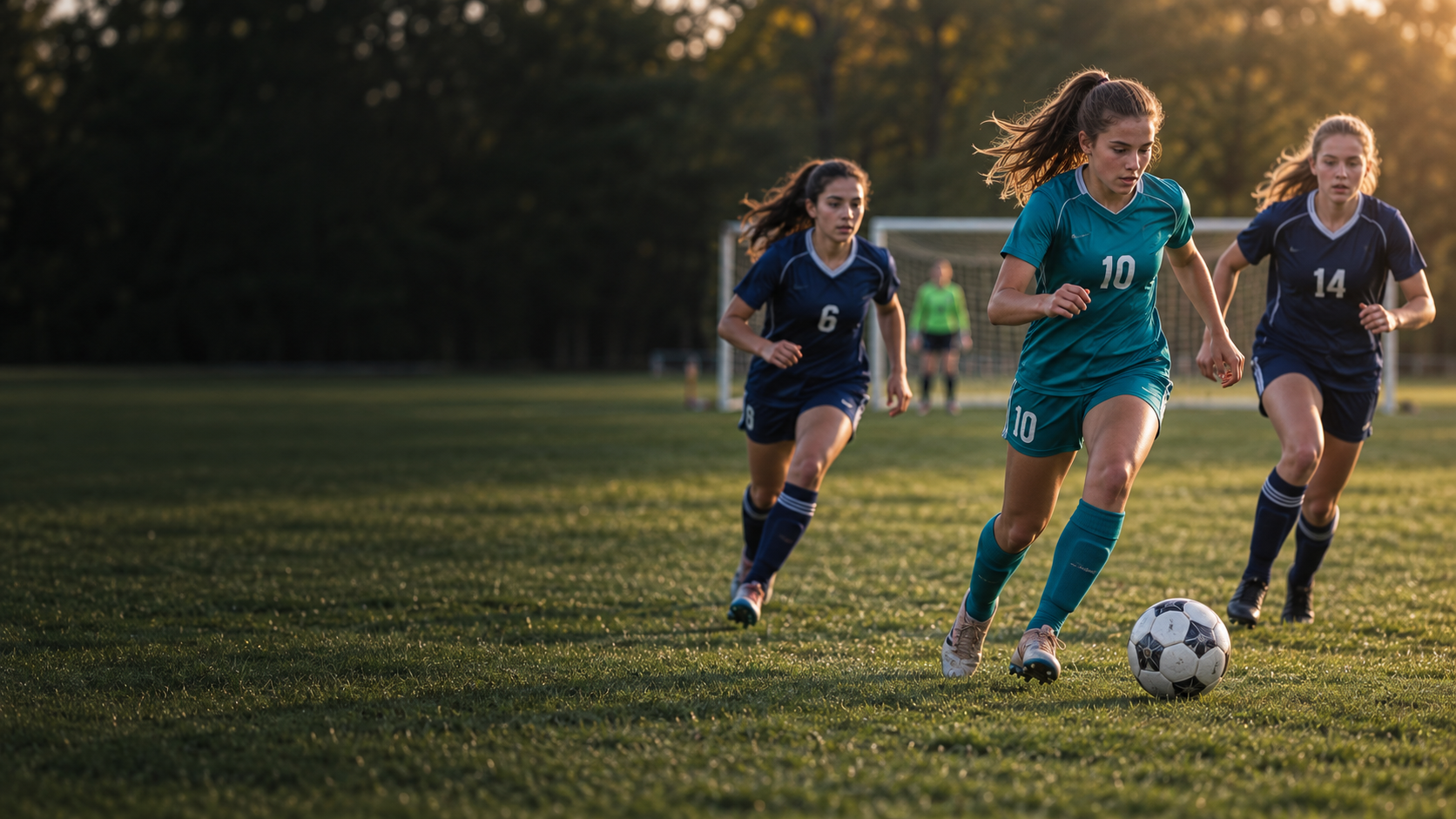
 01 / OVR Cards
Designs & editions
Explore designs and editions for a new team, a new season or a new milestone.
Explore designs & editions ↗Bring a photo and player details into a personalised sports card.
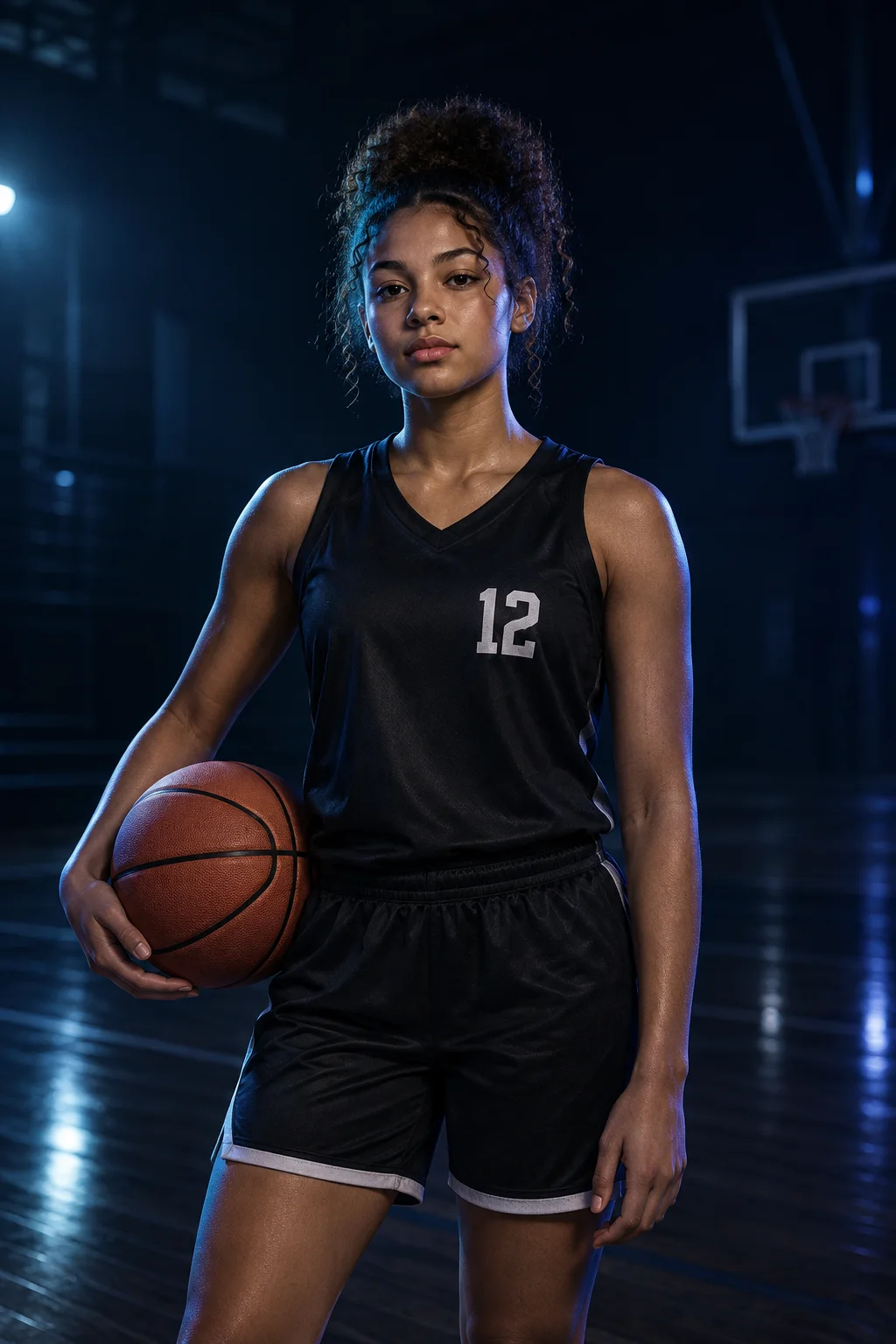 01 / OVR Cards
Explore designs and editions for a new team, a new season or a new milestone.
Explore designs & editions ↗02 / OVR CardsGive the player a recognisable sporting identity.
Explore athlete identity ↗For Maya, it begins with a card. As her journey develops, that identity becomes the thread connecting the people and products around her.
Concept preview · Fictional player and example data. Product availability, integrations and plan details require launch review.
Start with the athlete’s photo and details, choose an available design, then review the finished card. The studio gives the sporting story a visual starting point.
Use a clear image you have permission to share. Check the crop so the athlete stays recognizable within the selected design.
Use a clear image you have permission to share. Check the crop so the athlete stays recognizable within the selected design.
Add accurate player and team information. Review spelling, colours and the season before saving.
Check the photo and details together. A polished card makes the chapter easier to celebrate and share.
Check the photo and details together. A polished card makes the chapter easier to celebrate and share.
Use imagery you own or have permission to use. Review what personal information appears before sharing a young athlete’s card.
Bring a photo and player details into a personalised sports card.
Review and save the card you want to keep.
Have the player details, team colours and a suitable photo ready.
Explore Card Studio ↗These are illustrative workflows, not customer results or recorded product footage. No guaranteed time or cost savings.
Have the player details, team colours and a suitable photo ready.
Create one card and check the details before making more.
Check what will be visible, confirm the details and share when you are ready.
Available designs and editions vary. A card does not promise recruitment, selection or financial value.
For organization workflows, confirm supported imports, access roles, onboarding help and training arrangements. Do not retire your existing process until the pilot meets your requirements.
Choose one repeated task. Record the time spent in your current process, then repeat a comparable task during your OVR pilot. Include setup, reviews and follow-ups in both totals.
Count the whole task, including corrections and coordination.
Note re-entered details, copied lists and repeated messages.
Check completeness and accuracy with the people doing the work.
A pilot comparison method—not a claim of measured customer savings.
player card maker
Prepare an athlete photo and the player details you want on the card. Use Card Studio to choose an available layout and inspect the finished preview before sharing.