
How to Share an Athlete Card at an Event Without Oversharing
TL;DR
At a tournament, someone may ask where they can find an athlete’s information. The easy response is to send a long chain of links, photos, and clips.
The better response is one public card or profile link that gives the right amount of context without turning game day into a scavenger hunt.
That does not mean putting everything online. It means deciding what a public sports identity should help a viewer understand, then sharing that version intentionally.
Direct answer: what should an athlete card link to at an event?
An athlete card should link to a focused, current public profile: basic sport and team context, selected highlights or accomplishments, and the next appropriate place to learn more. Keep private contact details, sensitive family information, medical information, and anything that does not belong in a broadly shared sports context off the public version.
For a younger athlete, a parent or the organization should make the sharing decision with appropriate account settings and permissions in mind. The goal is a useful public introduction, not a complete personal file.
Start with one destination, not a pile of assets
When a card, QR code, or short link points in different directions every week, people lose confidence in it. Pick one destination for the current season: an athlete profile, a card page, or a team-approved profile page. Then make that page the place where the best supporting material lives.
A viewer should be able to answer three simple questions quickly:
- Who is this? A clear name or approved display name, sport, and current team or program context.
- What is worth seeing? A small selection of labeled highlights, achievements, activities, or verified game context when available.
- What should happen next? A relevant team page, event page, approved contact route, or a reason to check back after the next update.
That is more useful than a public folder of unlabeled clips or a profile that has not been touched since last season.
Use a simple public-sharing filter
Before adding an item to a shareable card or profile, ask two questions: Does this help a viewer understand the athlete’s sports story? and Would it be appropriate if this link were forwarded beyond the event?
If the answer to either question is no, leave it out of the public version. A shared link is easy to copy, screenshot, and revisit later. Keep the public surface limited to information the account owner or appropriate guardian and organization are comfortable sharing.
What to review before a tournament or camp
- Confirm the current context. Update the sport, season, team, event, or role labels that help a viewer place the profile.
- Choose a few representative moments. A handful of well-labeled clips or accomplishments is easier to understand than every file from a phone gallery.
- Check the links. Open the card or profile from a phone and make sure the public destination works without asking the viewer to search for it.
- Remove stale details. Retire old team references, duplicate media, expired event links, and anything that no longer represents the current season.
- Review visibility. Confirm that the public page contains only information intended for public sharing and that any optional contact route is appropriate for the account owner.
This takes less time than rebuilding a new one-off graphic before every event, and it creates a more dependable record over the season.
Make the card useful in the moment
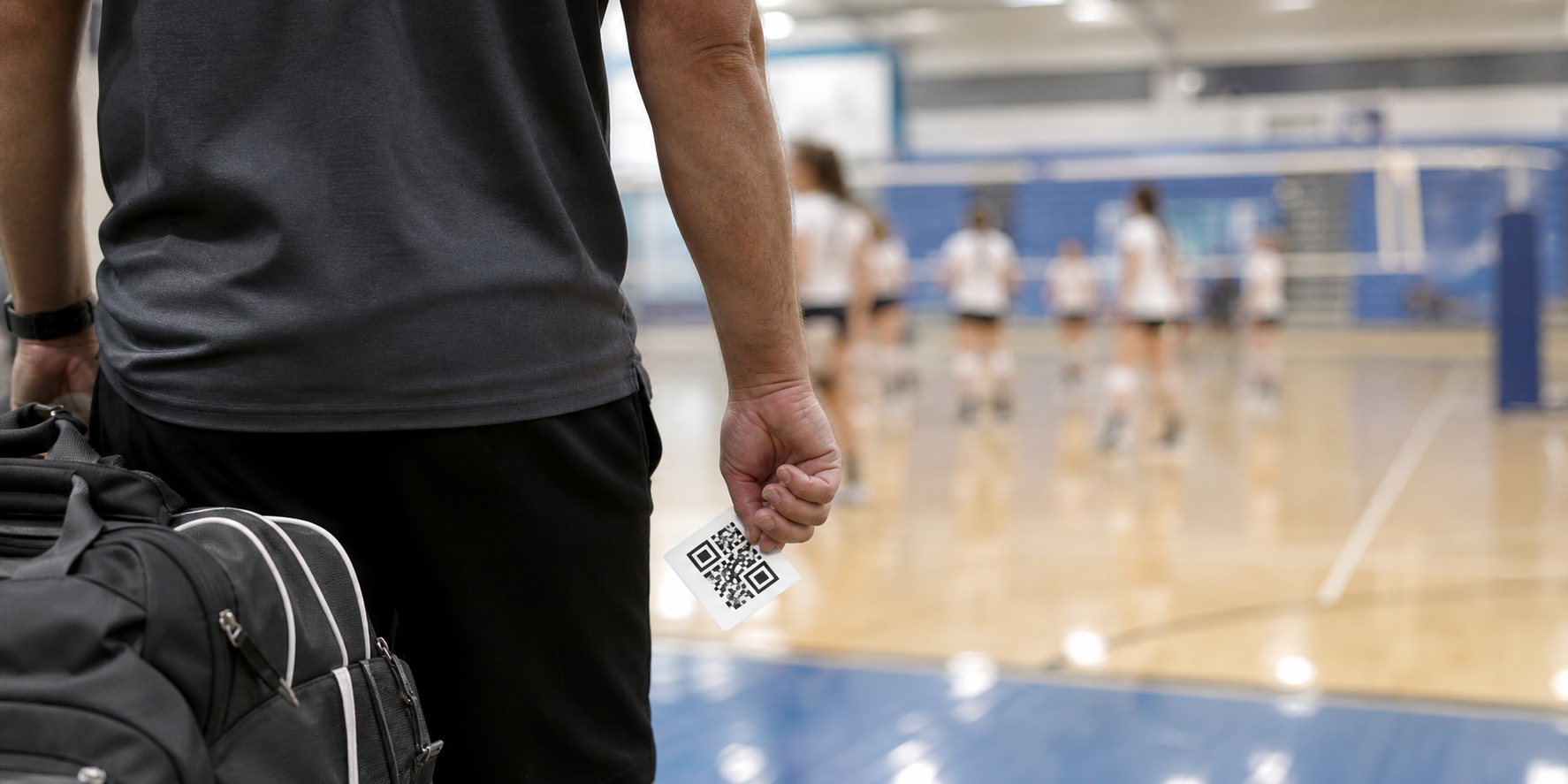
A card is most helpful when it reduces friction. Use it on a small printed handout, a team-approved display, a share link after a game, or an event recap where the audience already has a reason to learn more. Avoid placing it where it distracts from a live game or where people might assume it is an official credential.
OVR Cards can be a shareable surface for an athlete’s connected identity. When a profile, card, selected media, activities, and game-related records are maintained from related workflows, the public page does not have to be rebuilt from scratch after every event. The value is the connection: information created in the sports workflow can become a cleaner public story when it is ready to be shared.
Keep public proof separate from private coordination
Teams and families still need private places for logistics, availability, emergency details, and sensitive conversations. A public athlete card is not the right home for those things. Treat it as a public-facing introduction, while keeping operational and personal records in their appropriate permission-aware workflows.
This separation also makes updates easier. A coach can update a schedule or roster in the team’s operating workflow without needing to publish every operational change on an athlete’s public card. The public profile stays focused; the team record stays practical.
Event-day sharing checklist
- One current public link is selected as the destination.
- The profile identifies the sport and current context without unnecessary personal details.
- Highlights and accomplishments are selective, labeled, and current.
- Old teams, duplicate clips, and broken links are removed.
- Public visibility has been reviewed with the account owner or appropriate guardian.
- The card is shared as an introduction, not presented as an official ranking, credential, or guarantee of an outcome.
Bottom line
A good athlete card makes it easier to share a sports story without sharing too much. Give people one current destination, keep the public version focused on useful context, and refresh it as the season creates new material worth showing. The strongest public profile is not the fullest one; it is the clearest one.
Related reading
- What Is a Digital Athlete Identity Layer?
- What Belongs on a Public Team Page Before the Season Starts
- How to Organize Athlete Highlights Without Turning a Profile Into a Clip Dump
Key takeaways
- Direct answer: what should an athlete card link to at an event?
- Start with one destination, not a pile of assets
- Use a simple public-sharing filter
- What to review before a tournament or camp
- Make the card useful in the moment